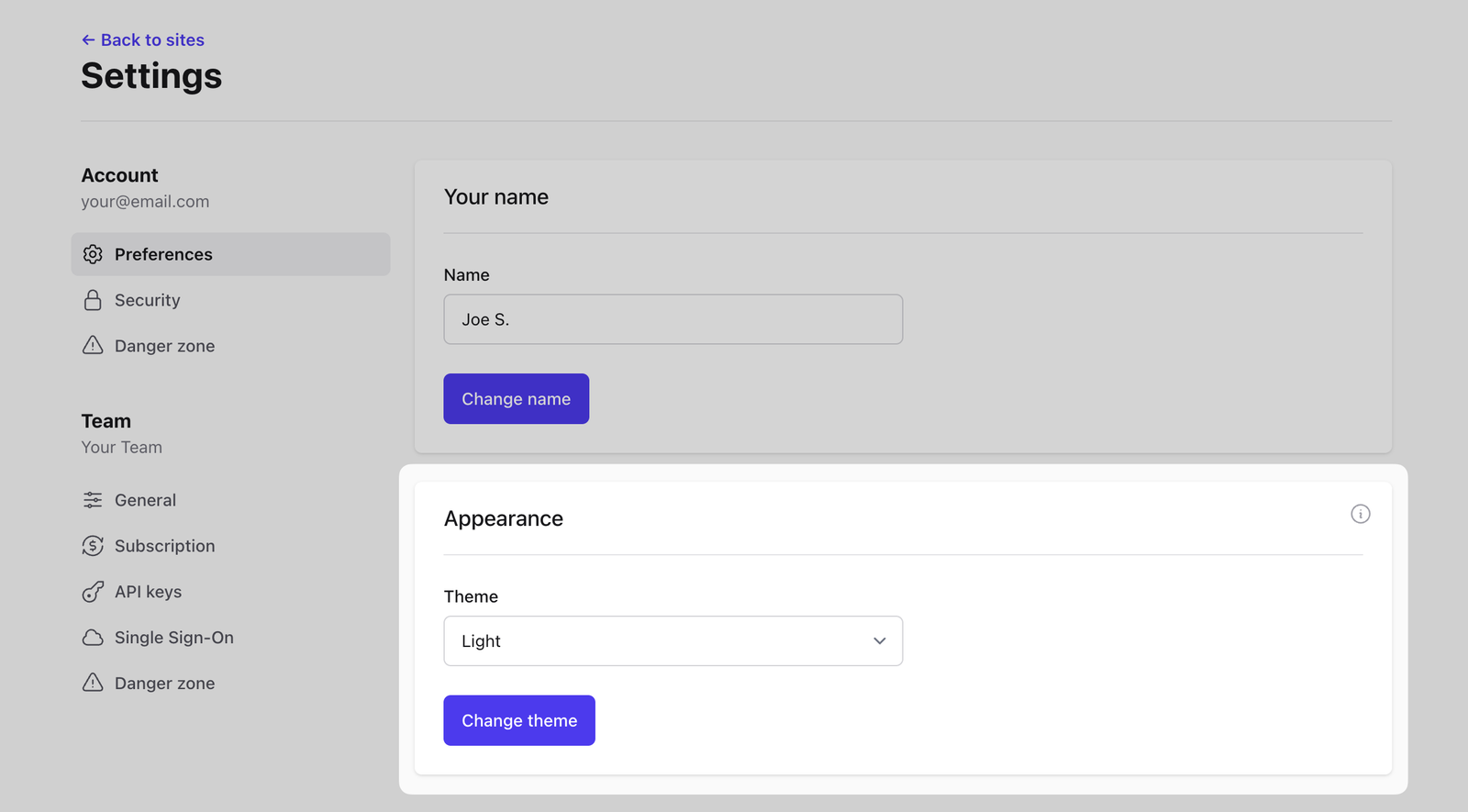
Choose between dark or light theme
Avasda supports both light and dark design themes. We follow your system theme by default but logged in users can manually choose either system, dark or light theme in the account settings.
Log in to your Avasda account and in the top right menu, click on your account name and choose Account Settings to enter your account settings.
To change your Avasda theme, go to the Preferences section, find Dashboard Appearance, choose your preferred theme and click on the Change Theme button.